Touch Operated
A responsive touch surface gives your switchboard a clean, modern and effortless way to control connected lights and appliances.
Touch it. Remote it. Control it from your phone. Or simply use your voice. The Switchofy Smart Touch Switch brings practical smart-home control to the wall you already use every day.
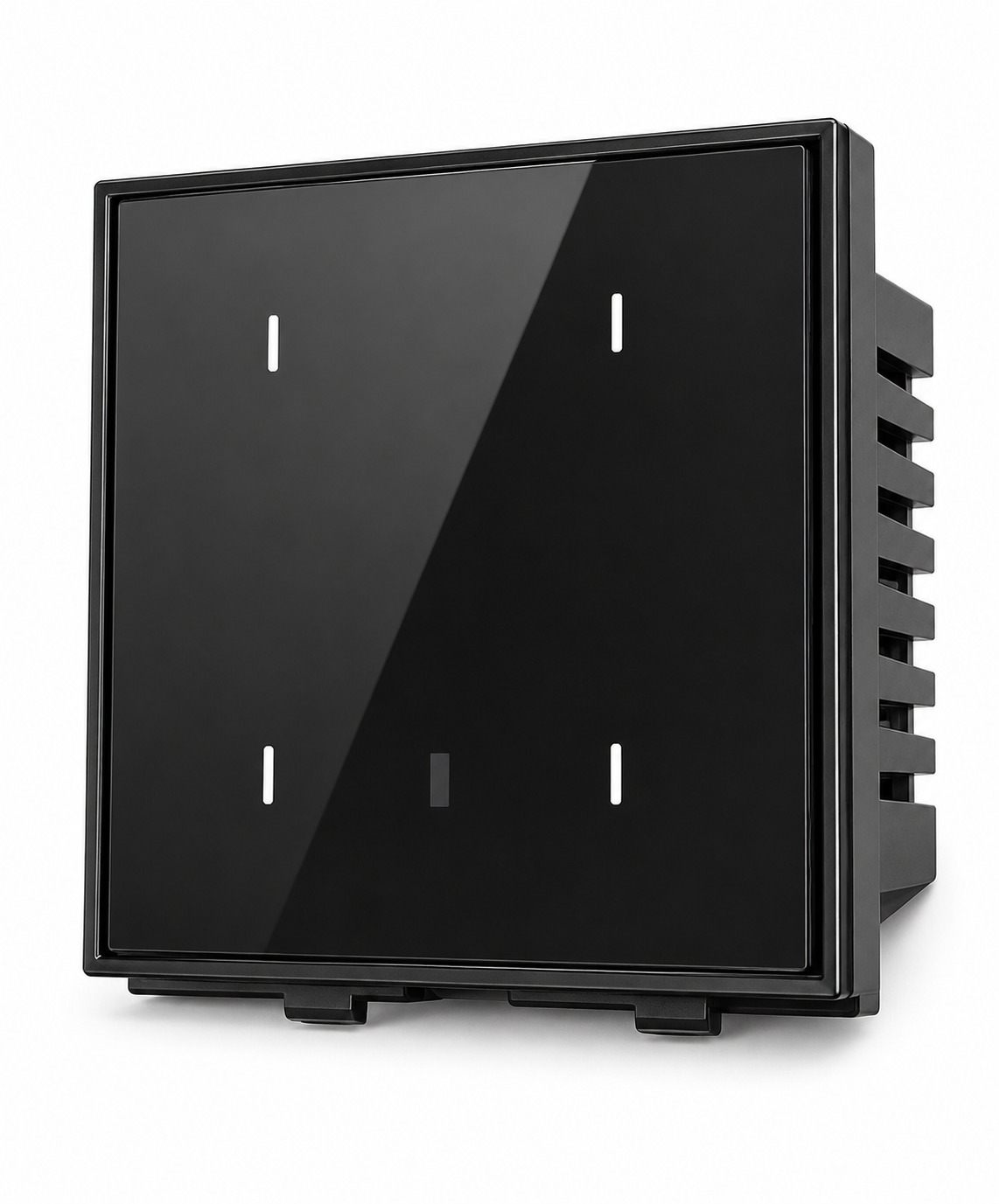
Designed around the way modern homes actually work — simple at the wall, powerful when connected.
A responsive touch surface gives your switchboard a clean, modern and effortless way to control connected lights and appliances.
Use the Switchofy remote to operate compatible switches from a distance, including convenient ALL ON and ALL OFF control.
Connect through WiFi and use the Tuya App to control your switches, check their status and build automations.
Bring voice control into your home. Ask Alexa to turn compatible lights or connected devices ON or OFF.
Set predetermined ON/OFF times for everyday routines, security lighting and automatic operation.
Use the Child Lock facility in the app to help prevent unwanted or accidental touch operation.
When your home WiFi is connected, you can check and control your switches remotely while you're away.
Install another compatible Switchofy touch switch with Line and Neutral and use smart control instead of complicated traditional two-way wiring.
Combine multiple actions into one smart scene for mornings, movie time, bedtime, entertaining and more.
The glossy touch surface keeps the look clean and contemporary while the smart electronics behind the panel turn an everyday switch into a connected control point.
Tap any switch below. Turn individual lights ON/OFF, or take control of the whole group with ALL ON and ALL OFF.
Each switch operates independently. The same connected switch can also be controlled through the app, remote or compatible voice assistant.
You don't have to choose one method. Switchofy gives you flexibility at the wall, from the sofa and from your phone.
A simple touch on the glass panel gives you instant local control.
Operate your compatible switches without getting up. ALL ON and ALL OFF make whole-room control easy.
See switch status, control devices, schedule actions and create scenes from your phone.
Use compatible Alexa voice commands to control connected lights and appliances hands-free.
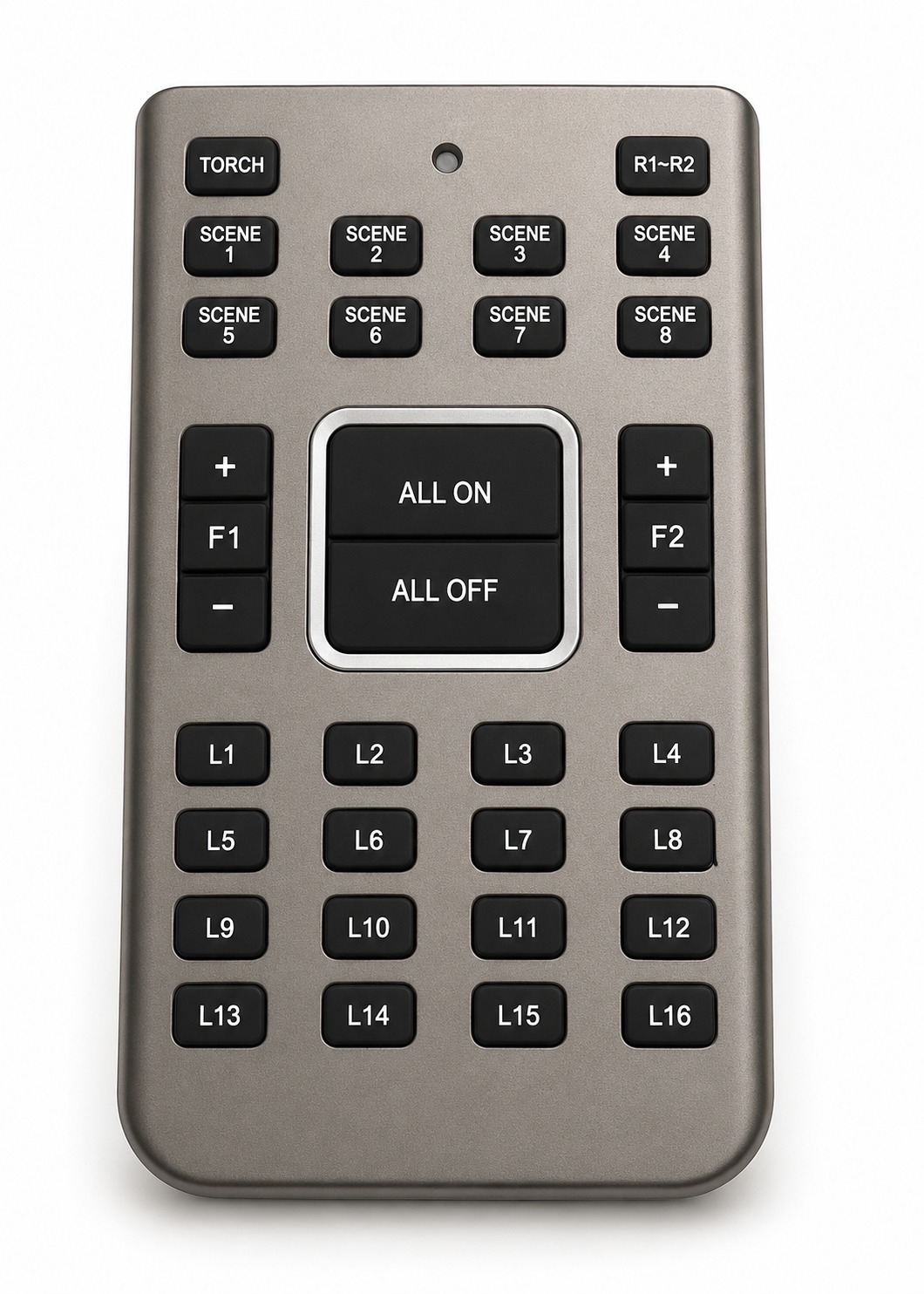
The Switchofy remote is designed to make everyday control quick and convenient, with dedicated keys for lights, scenes, fan control and group actions.
Choose a sample command or tap the microphone and say a supported command. The demo recognises the phrase and animates the corresponding Switchofy light.


Schedules and scenes turn individual switch actions into routines that happen automatically.
Need the same light controlled from two locations? Install another compatible Switchofy touch switch with Line and Neutral and use the smart system to create the relationship between them.
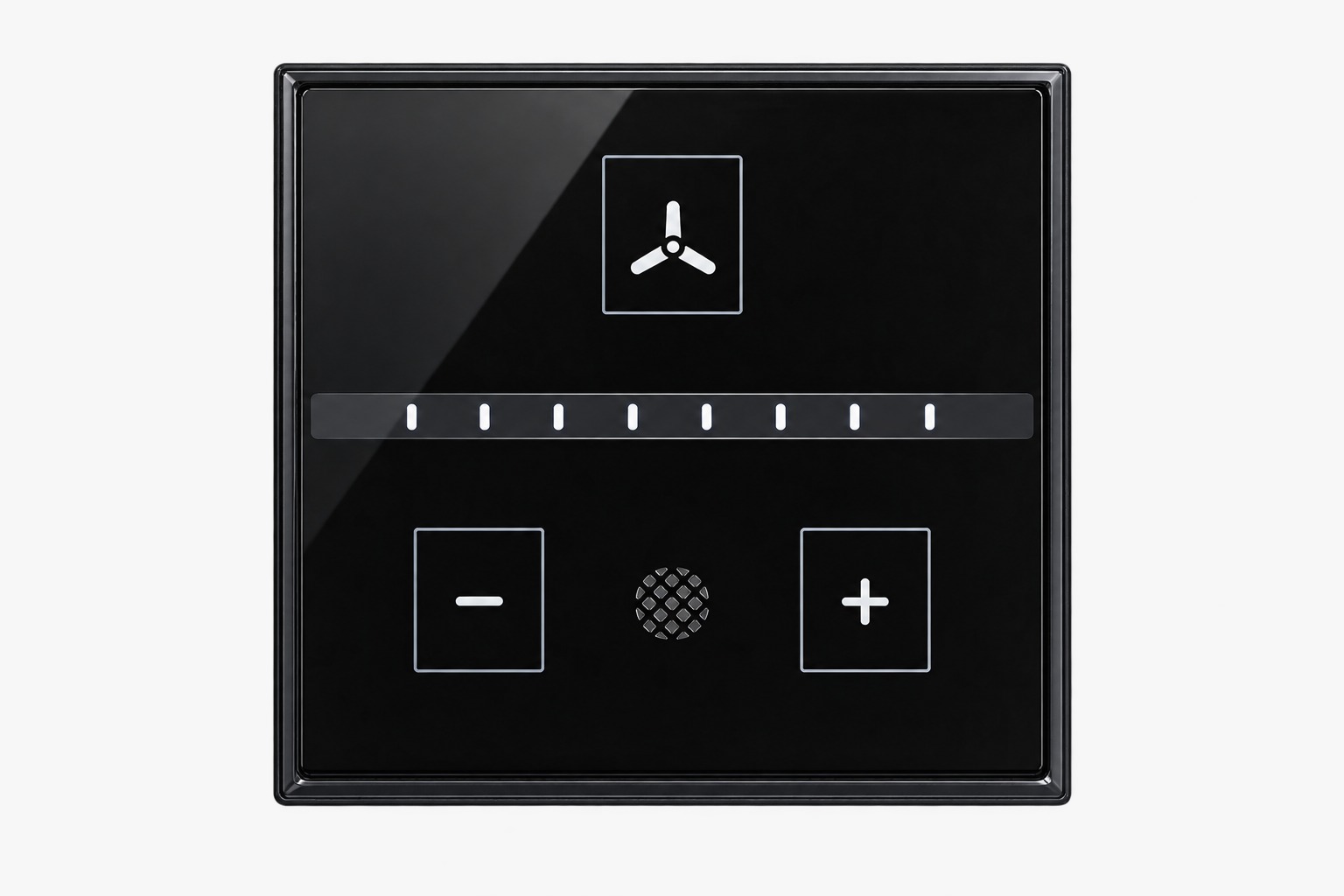
Use the Switchofy Touch-enabled Fan Regulator to bring smart control to a compatible normal fan without changing the basic idea of your everyday fan control.
You can control it locally by touch, with the compatible remote, through the Tuya App and through compatible Alexa smart-home voice control.
WiFi is required for app-based remote control, scheduling, scenes and cloud-connected smart-home functions. Local touch operation remains the primary wall control.
Yes, when the switch is connected to a working internet-connected WiFi network at home, supported app features can let you check and control the switch remotely.
Yes. The Switchofy smart switch is designed to work with compatible Alexa smart-home setups for supported voice-control functions.
Yes. Supported Tuya App scheduling can be used to turn a switch ON or OFF at predetermined times.
Child Lock is an app feature intended to help prevent unwanted or accidental touch operation of the connected switch.
Yes. A compatible second Switchofy touch switch can be installed with Line and Neutral and configured through the smart system. Electrical work should be performed by a qualified professional.
Yes. The Switchofy Touch-enabled Fan Regulator is designed to provide touch and smart control for compatible normal fans.
Touch it. Remote it. Schedule it. Automate it. Voice-control it. Welcome to the Switchofy Smart Touch experience.
Explore Switchofy →